
Features
Command Palette
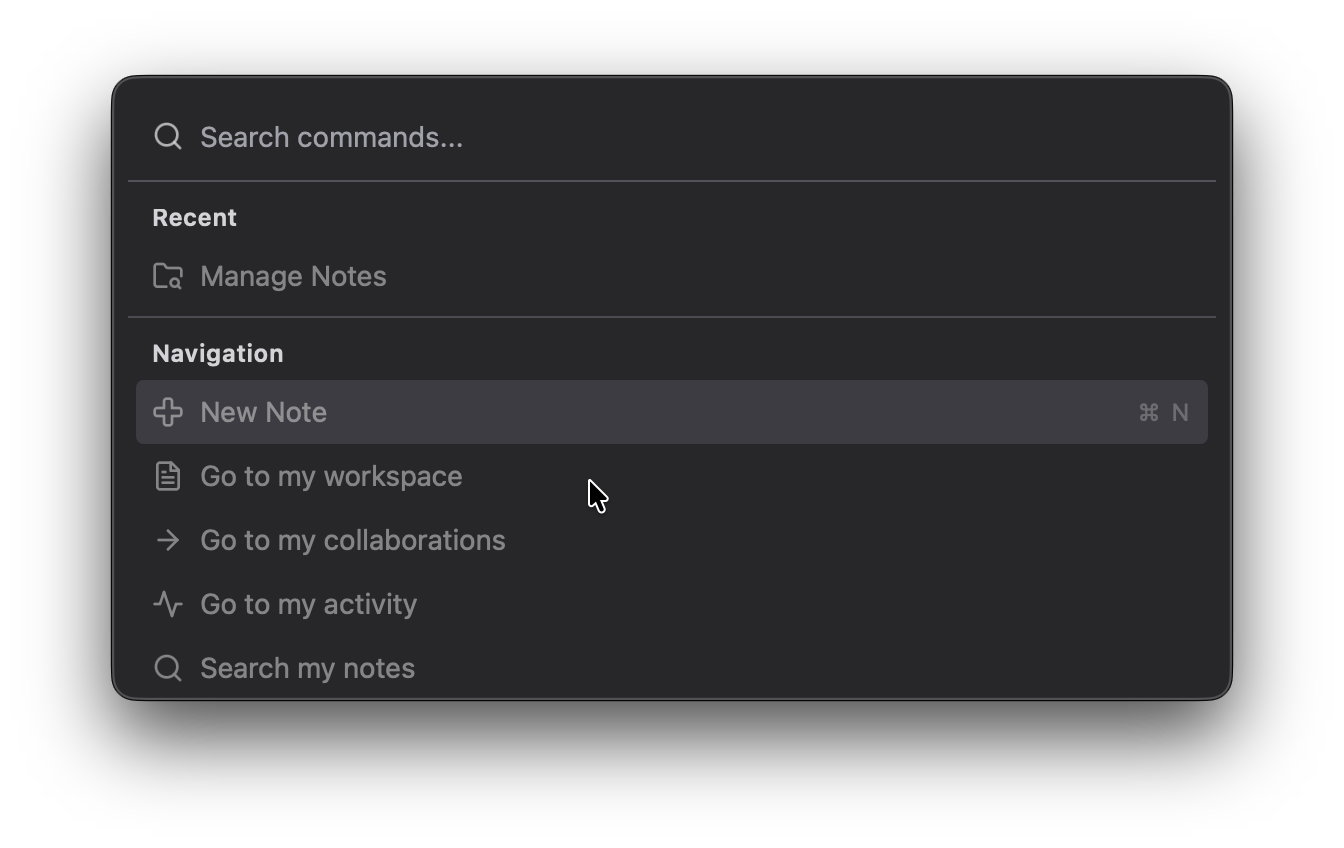
CmdOrCtrl + K
A quick way to execute commands, jump between views, and search your HackMD workspace.
- Open common actions like New Note, Reload, and HackDesk Settings
- Jump to HackMD routes such as search, bookmarks, history, teams, and release notes
- Unlock extra HackMD commands like Manage Notes and Team Navigation once your API token is configured
Manage Notes
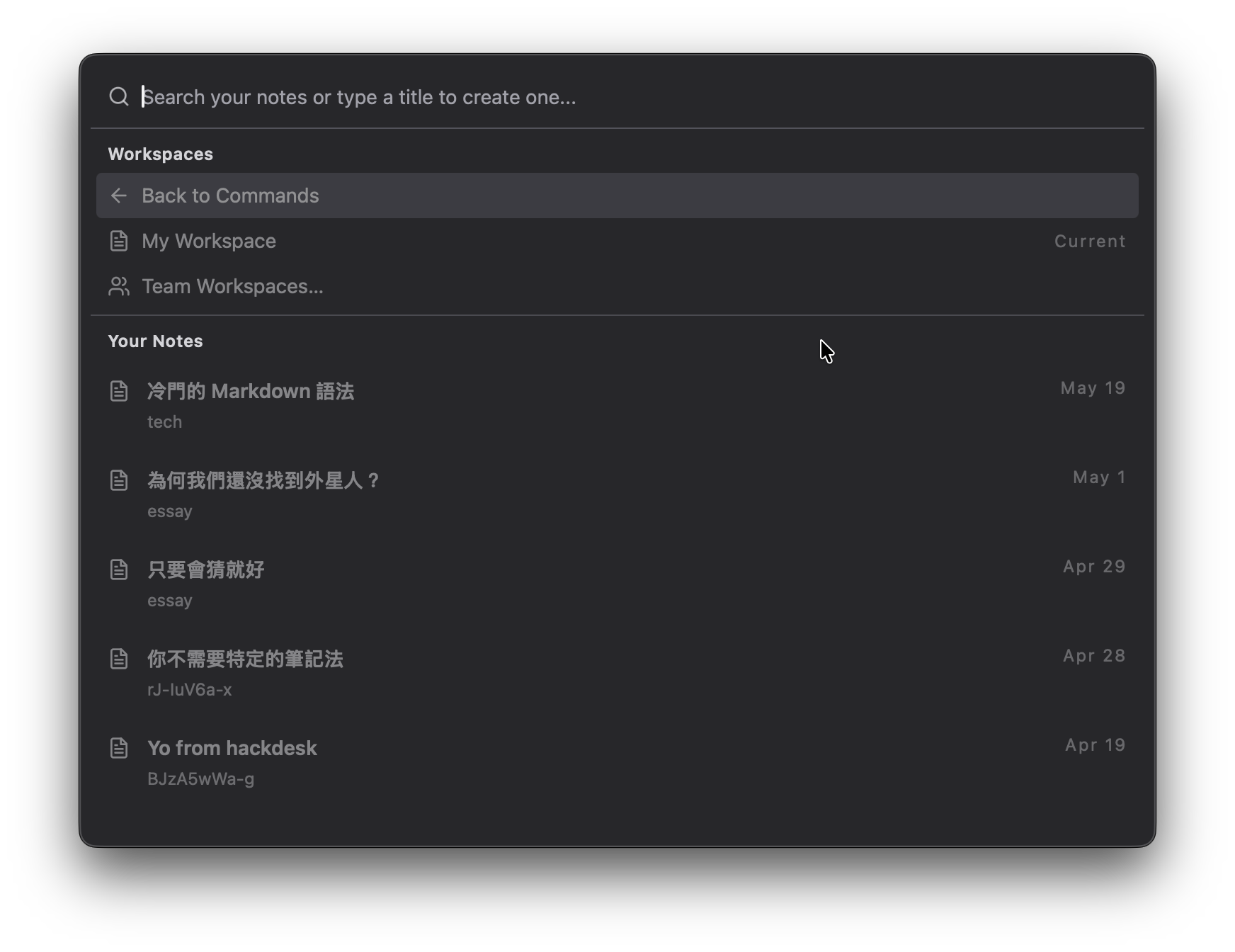
Inside the command palette, HackDesk can browse your personal notes and team workspaces in one place.
- Search notes instantly and open recent notes without leaving the keyboard
- Create new notes by typing a title directly in the palette
- Switch between My Workspace and Team Workspaces to work across personal and shared notes
Custom Settings
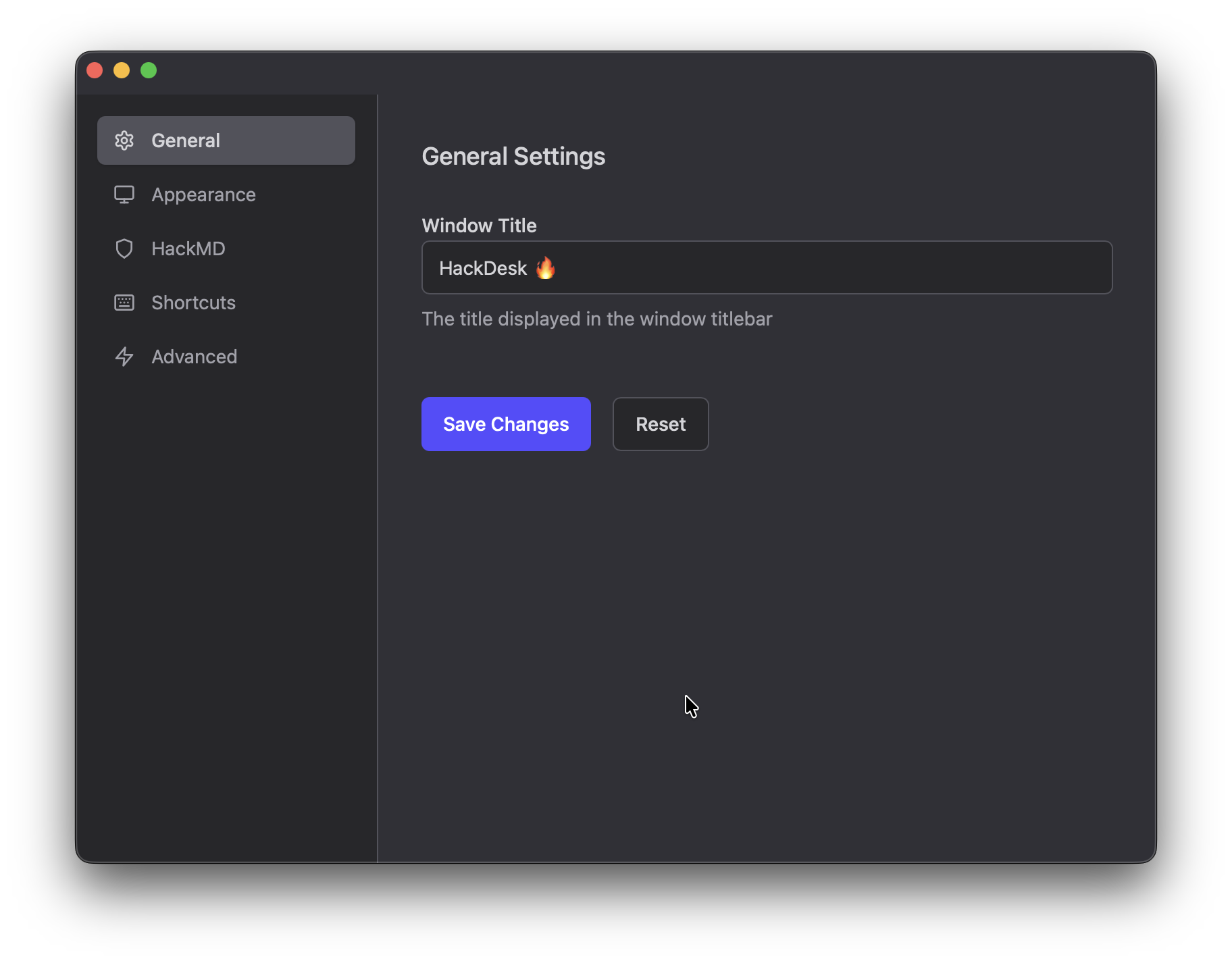
CmdOrCtrl + ,
You can change the theme, shortcuts, and local preferences in a dedicated settings window.
API Integration
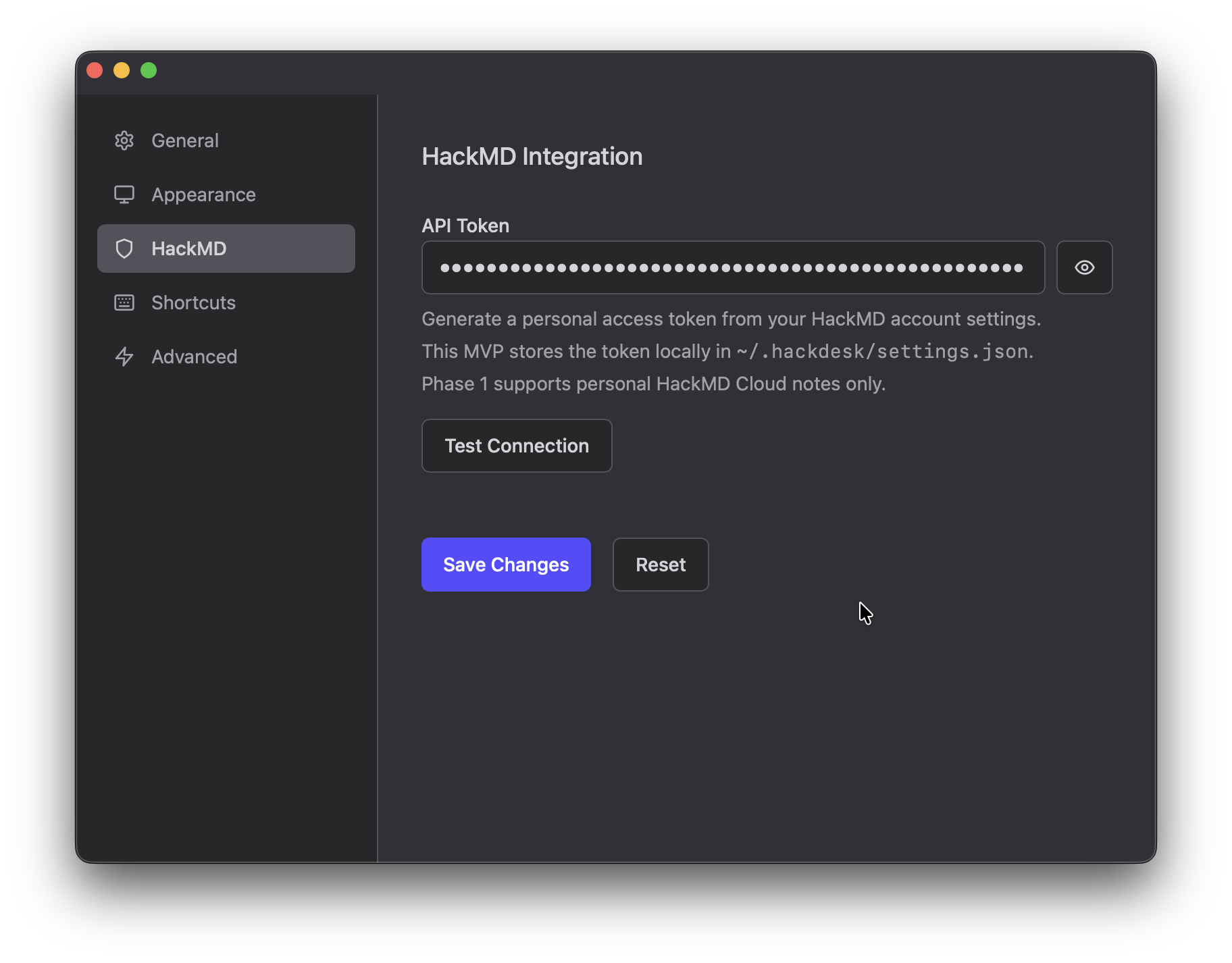
Connect HackDesk to your HackMD account with a personal access token.
- Save your API token locally in
~/.hackdesk/settings.json - Test the connection before saving to confirm the token works
- Enable HackMD-powered features such as note browsing, note creation, and team workspace access